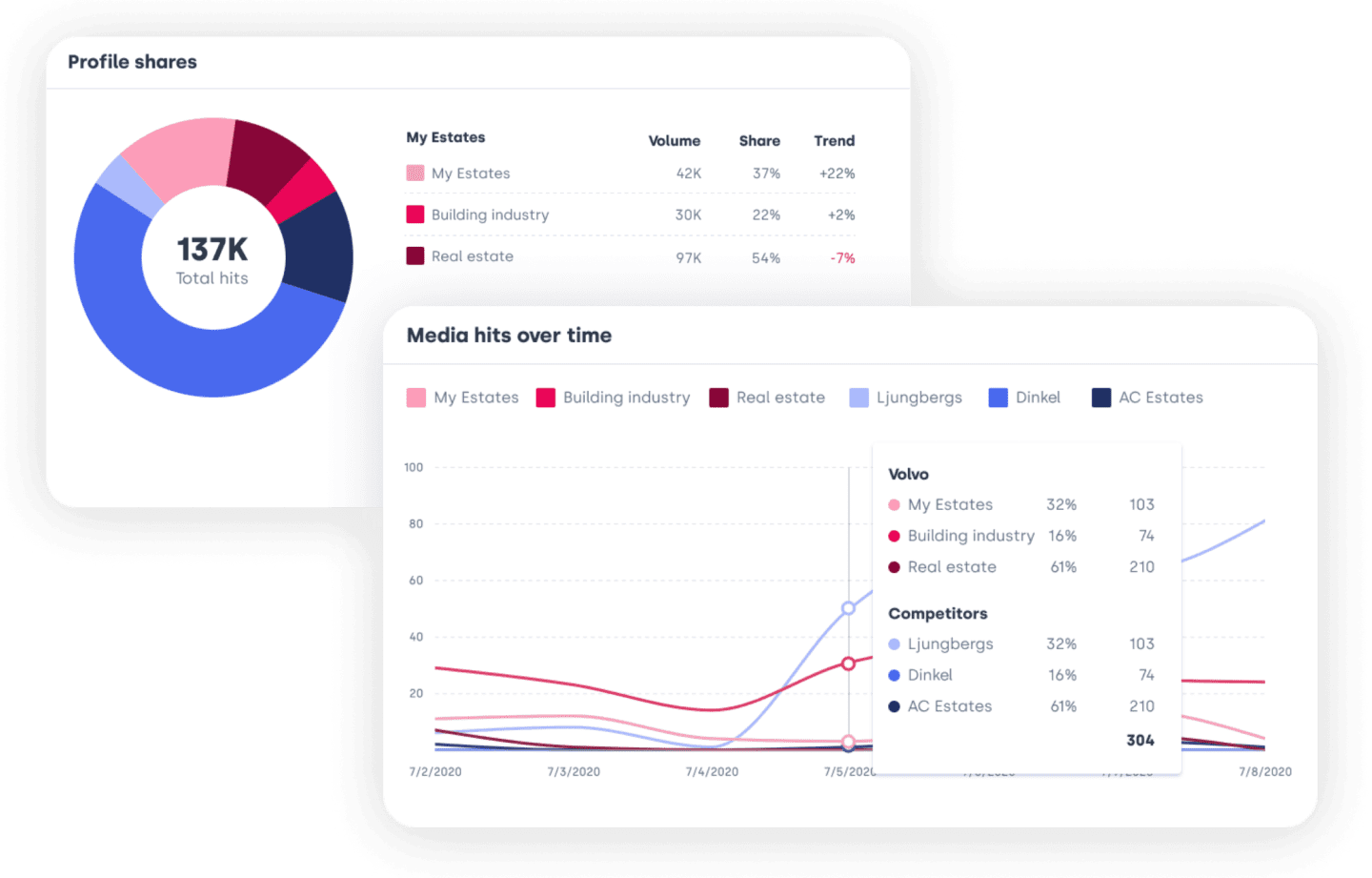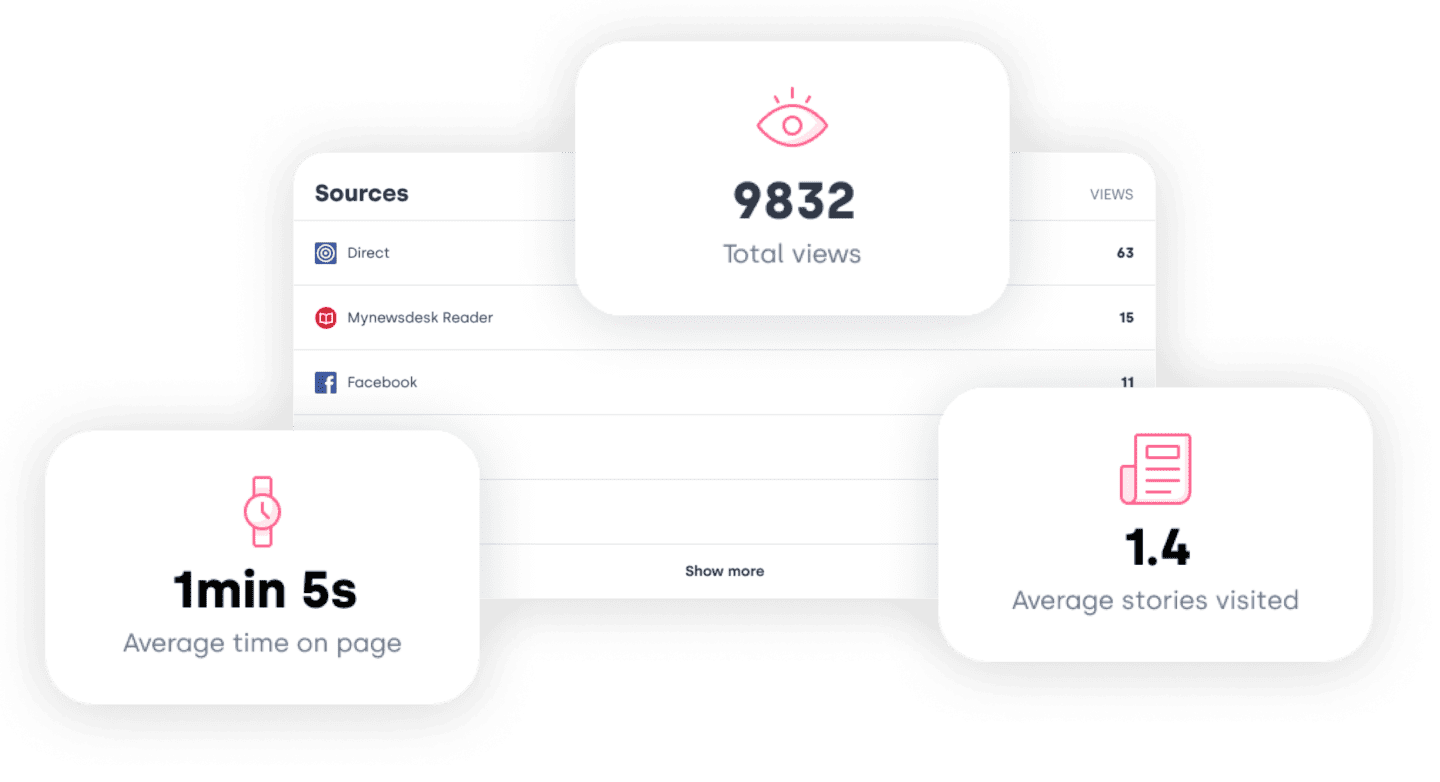




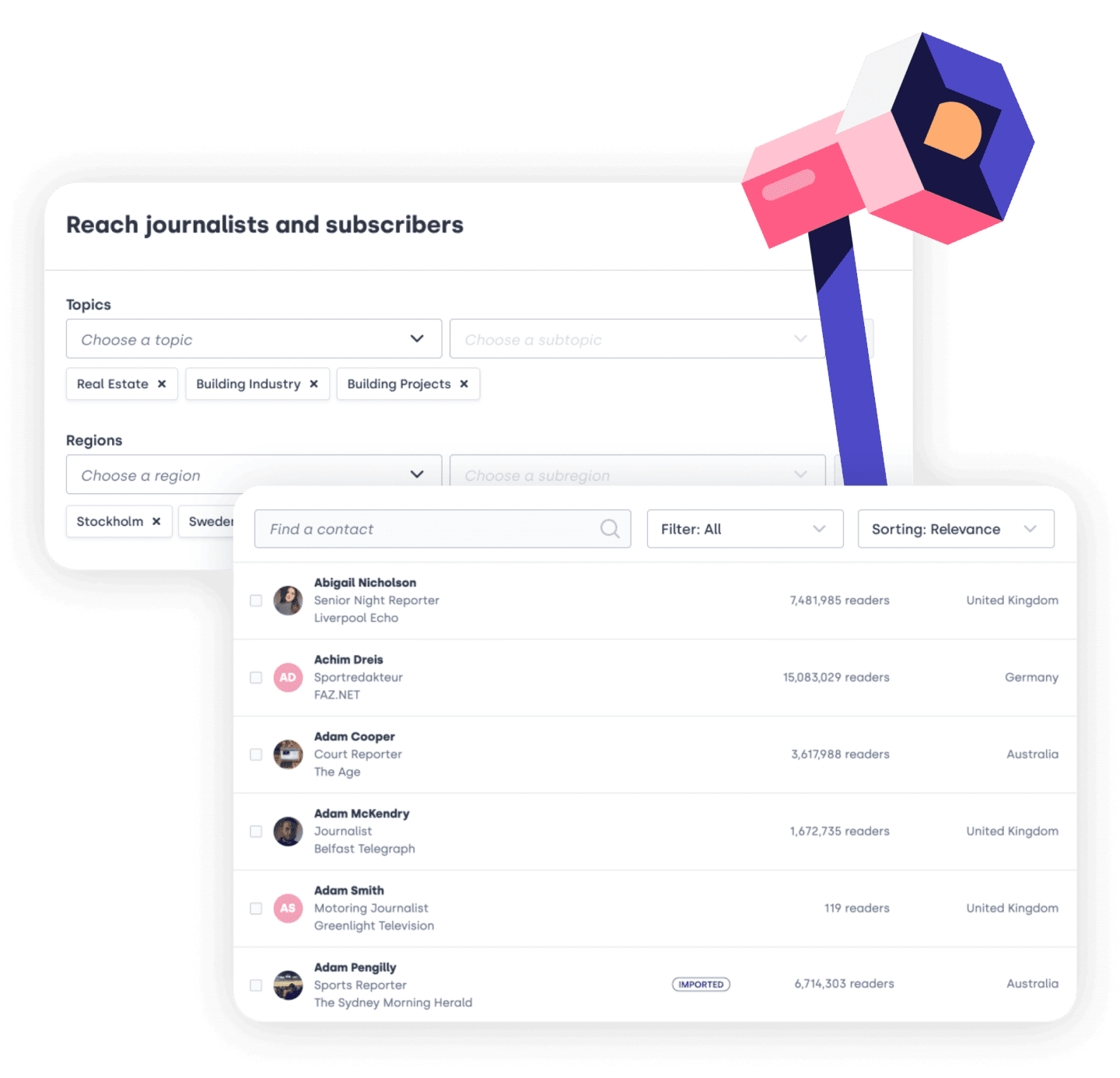
Hundreds of companies using new follow button to connect with journalists

Since Mynewsdesk launched its network feature for quite some time ago, a “follow button” has graced the newsrooms on Mynewsdesk.com. Now, a new button is launched for the hosted newsroom, homepage, or wherever its clients would like to connect with the people that matters to them. 

You might ask: “A follow button? What else is new?” But this button is an important part of Mynewsdesk’s “network feature”.  And, believe me, this button make sense.

Some companies are using the web simply to get their message out there. No more no less. And that’s fine. As long their information make sense for the visitors. And the visitors are the people they would like to reach. Which is the main purpose with their web presence, I guess.

But, as you’ve seen, more and more companies are taking the opportunity to engage with the visitors as well. They would like to get to know them a little bit better; listen to what they have to say; understand their needs and wants, to be able to serve them even better.

Journalists, thought leaders, industry spokesmen, bloggers, speakers, frankly all professional communicators or experts, in one way or another, are no exceptions. But they usually don’t want consumer related updates. But core corporate information, as long it’s not corporate bullshit. They want real authentic stuff, sensational facts, preferably exclusive. Because these people need information advantage, to keep their authority.

If you’re a journalist and would like to connect with the companies from this point of view, you don’t get enough out of being a fan to companies Facebook pages, nor to follow them on Linkedin, Twitter, Quora, Foursquare, among others.

In this case the newsroom do play a very important role. If the companies don’t just dump their content, but are using it to connect with the people that really matters.

Mind, that the “follow feature” is not equivalent to the “subscribe features” like RSS, newsletters, etc, but a feature for people to connect and engage. Because the foundation of PR has always been to connect and engage with influencers over phone and voice. Now, I believe it’s time to use the latest web based network solutions for the same purpose.

It’s very easy to integrate the button to your site. Just copy the script and paste. For existing hosted newsroom clients of Mynewsdesk, it’s already there.

Get ready to connect.

Posted by 2 Comments Posted in Uncategorized

Internal unconference – would it work?

An internal unconference – how would that work? The unconference as a concept is starting to get quite well-established also on Swedish ground, and though it has primarily been within the digital sector so far, including SSWC and WebCoast, the world of journalism has started warming to the idea too, like with last fall’s potluck conference on the theme ‘The trolls & the roles’.

Image from WebCoast 2012 by Sina Farhat


The Swedish word ‘knytkonferens’, translating as potluck conference, was coined last year when the first Swedish unconference on the west coast, WebCoast, took place. And the word really hits the nail on the head of what the concept is all about.

How so? It is the participants who contribute to the content of the conferences with their own skills and experience. That it sparks associations with potluck dinners is unsurprising, but instead of food, it is knowledge that is being shared; instead of bringing a cake to the table, the participants put up a note on a notice board about what they would like to talk about and add to the agenda. And isn’t it true that a couple of the dishes at a potluck party always appear particularly enticing?

In order for a potluck conference to work, there are a handful of prerequisites. You need a space with a number of smaller rooms; everyone must know what time things kick off in the morning and when you will call it a day; and a time must be agreed when the participants get to stick their notes up on a board, or ‘the grid’. A session, then, can be anything from a discussion to a workshop or lecture. The grid offers a square for each time slot, and as the session notes are added the conference agenda starts to take shape. You can read more about the different terms and concepts here.

The dynamic that emerges when everyone gets the chance to talk about something that matters deeply to them is very rewarding and tends to lead to stimulating discussions – chats that don’t follow a traditional round-the-table format but bring in new perspectives. As a participant you are forced to really get to grips with what’s on offer, rather than simply follow a pre-determined agenda and passively listen to the speakers and sales people like you normally would. At a potluck conference you actively choose which sessions to attend; it is not about ‘any other business’ or other last-minute items at the end of the day-two timetable when everyone’s itching to go home.

The potluck conference concept creates an environment where everyone who wants to speak gets to speak, increasing understanding and cooperation across departments. I can picture sessions on customer service, complaint handling and campaign ideas, to suggest a few examples based on my experience over the years. Imagine the fresh perspectives you can get when discussing issues with colleagues you normally don’t work with on a day-to-day basis. For those of us working with communication, creativity is a word that has become almost like a mantra, and with that in mind, the potluck conference fits right in.

The fact that you have to go to a specific place to check the agenda (the grid) means that mingling and networking comes naturally – unlike when you rush to the coffee machine on the way to a meeting and barely notice whether the person next in line is a colleague or an external visitor.

Here are some concrete tips. Start by making half a day of your next conference into a potluck conference. Let the employees talk openly about their passions – and don’t limit it to work-related topics. Appoint someone who starts off by talking about their hobby, just to get people to think outside the box. Ensure that there are plenty of smaller conference rooms and spaces to help stimulate dialogue and conversation. Appoint another person who is responsible for bringing the grid and pieces of paper to write on. Make it easy for yourselves! It may sound like a sweeping generalization, but all organizations want to create an environment where everyone gets to have their say and enjoy a creative milieu with inspiring colleagues. Swapping a traditional conference setting for one with no agenda can be one way of kickstarting that process – so be open-minded and try out a potluck conference!

What businesses are brave enough to let the staff decide on the content of a conference in 2012, thereby creating the first internal potluck conferences in Sweden? That, I’d like to know!

This post was written by Sandra Gonzalez Sköld, one of the people behind WebCoast.

http://about.me/sandragskold


Posted by 4 Comments Posted in Events, Inspiration Tagged , , ,

The work at Mynewsdesk never stops…

Now it’s easier for you to relate material.

With our latest update you can now create and post related material directly from your press release, news or blog entry. Our goal is to make it easier for you.

Working on your press release, you see the button – create new. Click and a menu pops up, where you can easily and efficiently add and directly relate your material to your press release. The related material will get the same categories as your press release, but you can of course tag this material as you want.

Remember, when you upload related material via this quick form. The material will only get title, caption, and tags. If you want more information related to your material then choose to publish the material as usual.

The best thing of it all – when you publish your press release, the related material is also published!

Remember you can always contact client support if you have questions!


Posted by 1 Comment Posted in Uncategorized

A Guide To Pinterest… And A List Of Companies Using It!

A blog entry by Helen Alfvegren, media planner at PHD.

Pinterest is essentially a website where users can collect images that inspire, excite, or make them happy. This virtual pin board can include anything from gorgeous dresses, tasty recipes, or motivational quotes. Despite still being invitation-only, it was one of 30 most visited sites in the US. Between 12 January and 12 February, over 103 million Americans visited and “pinned” something on Pinterest.

If you’re new to Pinterest, search for things you like and you’ll be guaranteed to find something you could pin and subsequently find users to follow. User keywords or hashtags.


If you want to spread a particular image on Pinterest, you can choose to Repin, Like, or Comment. If you like the image, it’ll end up in the Like-feed on your profile page. If you Repin something (which is similar to Tumblr’s Reblog or Twitter’s Retweet), it will end up in the Pin-feed. Comments work in much the same way as Twitter (with an @) and a user will be notified if you mention her. And it will most likely be a “her” – about 80% of users are female.

You can of course pin images to your Pinterest yourself. Upload an image or pin something from the web, but don’t forget to credit the owner of the image or first ask for permission.

If everything works correctly, the image you pin will always link back to the webpage it was originally published on. This is great for companies that have a webstore, as they can drive direct traffic to a specific product. The images can be easily embedded in a blog or website and will automatically link back to Pinterest.


When you repine or pin, you can choose to sort the images in a folder, or Board. As a new user, you get a few suggested default Boards which you can rename. If you come across a person you want to follow, you can choose to follow all their pins or just specific boards you’re interested in. Those that follow you see what you’ve pinned or repined, but not things you’ve liked.


I’m sure you’ve noticed the hype around Pinterest in the past few months. This has led to a huge number of companies to start their own branded Pinterest boards. Here’s a list of the “usual suspects”:

Here’s an exhaustive list of 250 companies on Pinterest (mostly North American).

If you want to start a company Pinterest board, make sure you read the terms and conditions first. For some brands, Pinterest is a great way to work with images. Etsy and GAP are great examples of this. For other types of businesses, you might need to be a bit more creative. See HubSpot as an example of how a bit of quirky creativity could help promote the brand.


A couple of additional tips to those of you interested in Pinterest.

You can add a Pin It button to your webpages, products, or images. You can find this button under Goodies. Also, if you want to track if anyone has pinned any of your images, just use the following URL: interest.com/source/webaddress.com. For example: http://pinterest.com/source/gap.com/ or http://pinterest.com/source/mynewsdesk.com/

If you want even more Pinterest stuff, check out my collection on GimmeBar and feel free to follow my Pinterest boards if you are interested in vintage dresses, furniture, and all things in between!


Helen Alfvegren works as a media planner at PHD. She has a passion for communication through images, text, and video. She blogs at helalf.se and tweets as @rockspindeln (in Swedish).


This blog entry was originally published in Swedish on helalf.se.
Re-posted with permission!


Posted by 3 Comments Posted in Guest blog, Inspiration, Marketing, Pinterest, What Else Is New Tagged , , ,

SXSW Interactive 2012: “Going Viral” Still A Hot Topic

Today one of the most exciting and dynamic events of the year opens its doors – South By Southwest (SXSW). Launching in 1987 in Austin, Texas, SXSW is an annual series of festivals that focuses primarily on music, film, and media. And its that last festival that we’re most excited about on this blog!


SXSW Interactive

SXSW Interactive is “an incubator of cutting-edge technologies and offers compelling presentations from the brightest minds, networking events hosted by industry leaders, and special programs showcasing the best new websites, video games and start-up ideas.”

Launched nearly 20 years ago, this festival has steadily grown to be probably the biggest of its kind in the world – and easily one of the events the attendees look forward to most.


Hot Topics

Just from glancing at the immense schedule of events, seminars, and workshops, you can see that this year will offer something for everyone… literally. It can seem a bit daunting, but one thing that stood out for me was the many sessions focusing on that buzzword of buzzwords, “viral”.

For a many of you (myself included) the topic may have been done to death, but the reality is that it still is the “holy grail” of  advertisers, marketers, and communicators. Just look at the Super Bowl ads that have popped up in the last few years. Or, more interestingly, check out the lower budget ads or the non-commercial videos that are have “gone viral” to varying degrees, such as these:


11 144 256 views


2 037 428 views


818 406 views

Is It All Random?

As descriptions of the sessions listed below suggest, the answer seems to be no.  There is a science behind it, as well as the need to invest quite a bit of resources to get the job done. So, how do you make your branded content go viral? Here are a select few sessions that deal with this:

If you are not attending the festival, don’t fret. Each session has handily been assigned an official Twitter hashtag for everyone to follow. If that fails, someone is bound to put something up on YouTube or Slideshare in a week’s time or so!

If you are attending… I’m not jealous at all. Nope. Not one bit!


Posted by Leave a comment Posted in Advertizing, Branding, Marketing, PR, Social Media, SXSW, Trends Tagged , , , , , , , ,